Image
3D
Upload a photo, illustration, concept frame or generated image and transform it into a textured 3D model. TimrX reconstructs geometry and surfaces, then lets you refine, remesh, texture, print-check and export the result.
Image-to-3D conversion makes 3D content creation accessible to anyone with a camera or an image file. No modeling skills required — the AI analyzes your image and produces a full 3D mesh with textures.
TimrX processes single images to reconstruct 3D geometry, inferring depth, shape, and surface details from visual cues. The result is a textured mesh that captures the essence of your source image and can move into refinement, remesh, texture, rig or animation workflows.
Output models work with 3D printing slicers, game engines, rendering software and AR workflows. Store versions in My Assets, run Print Check, export GLB/STL/OBJ/USDZ/3MF, or order an FDM print for a completed model.
Upload a photo, illustration, or concept art. The AI works best with clear subjects against simple backgrounds.
The AI analyzes depth, shape, and texture from your image to generate a full 3D mesh with surface materials.
Preview the model in 3D, refine or remesh if needed, run Print Check, export GLB/STL/3MF/OBJ/USDZ, or keep versions organized in My Assets.
Turn photos of people, pets, or objects into 3D-printable figurines and keepsakes.
Convert 2D illustrations and concept art into 3D models for games and animation.
Create 3D models from product photos for e-commerce, AR previews, and catalogs.
Use images as starting points for 3D modeling. Get a rough mesh to refine in Blender or other tools.
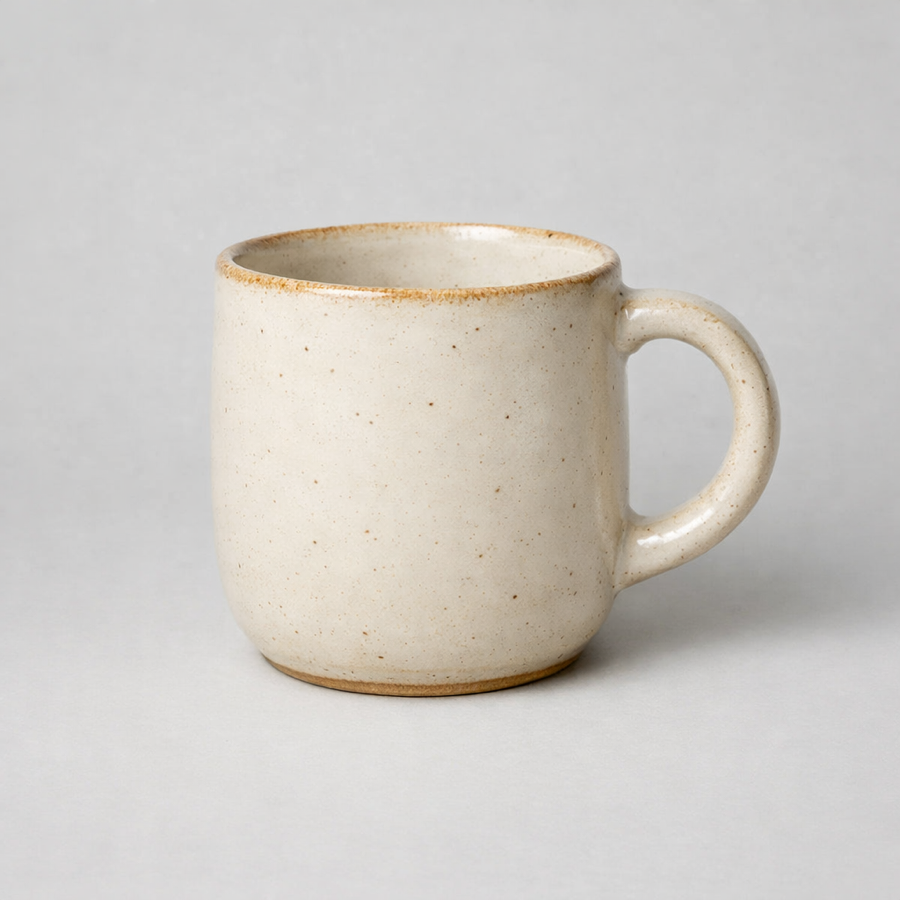
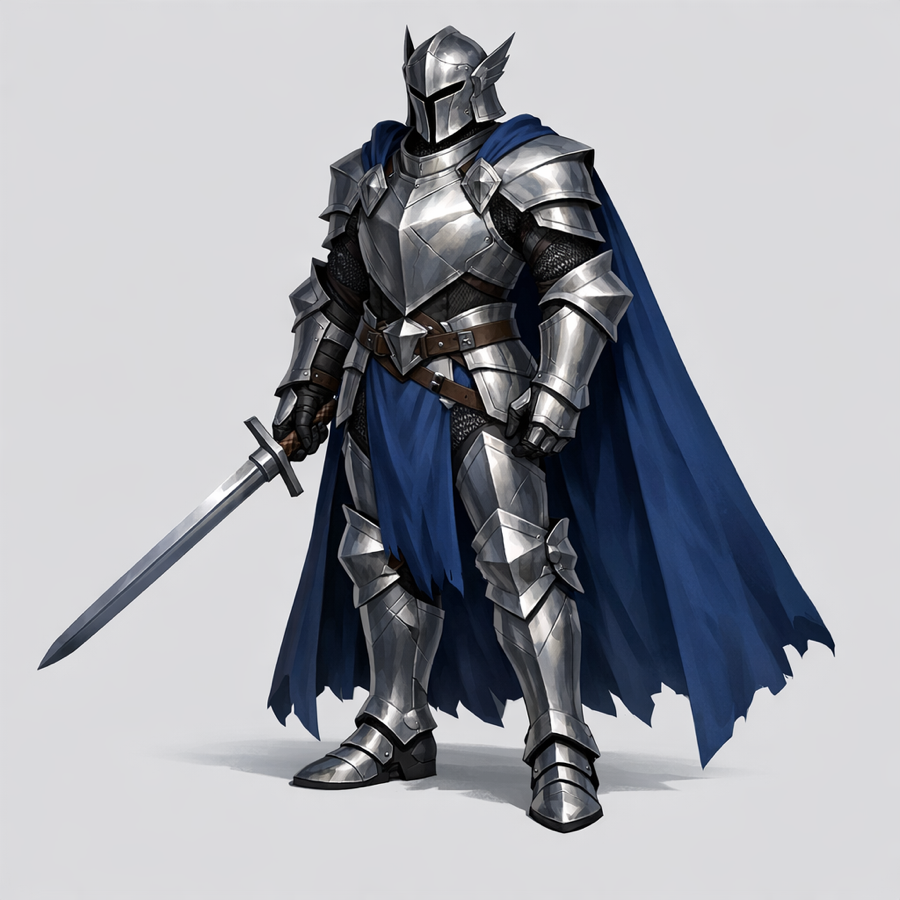
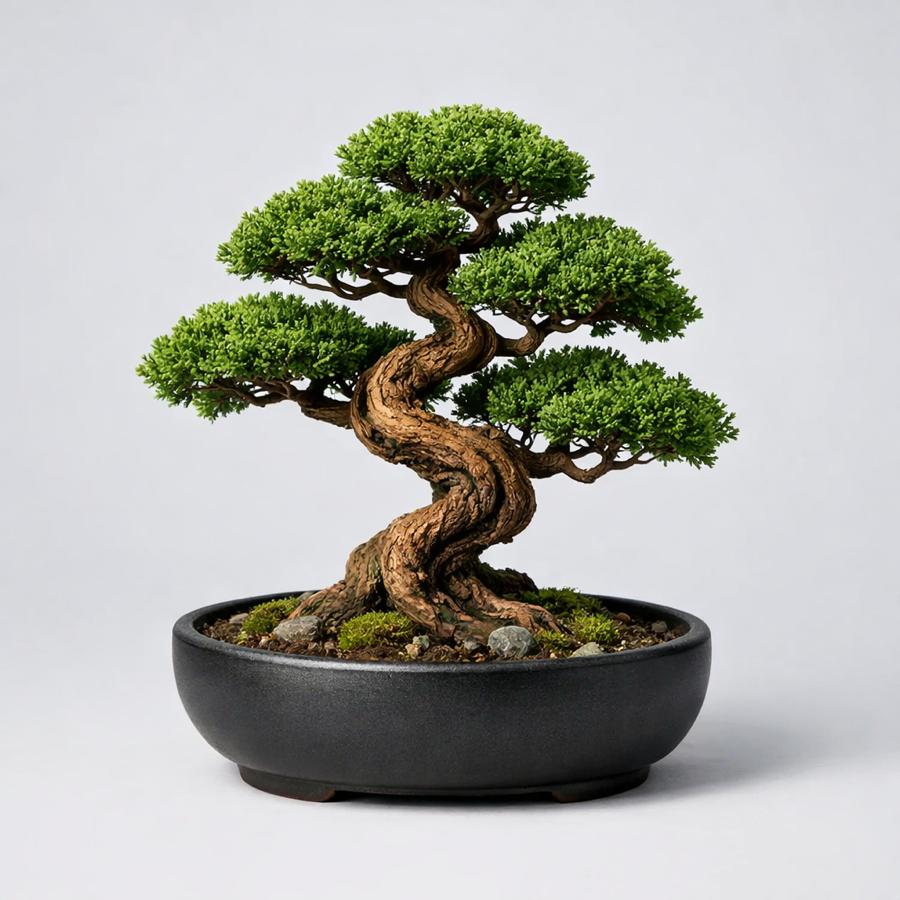
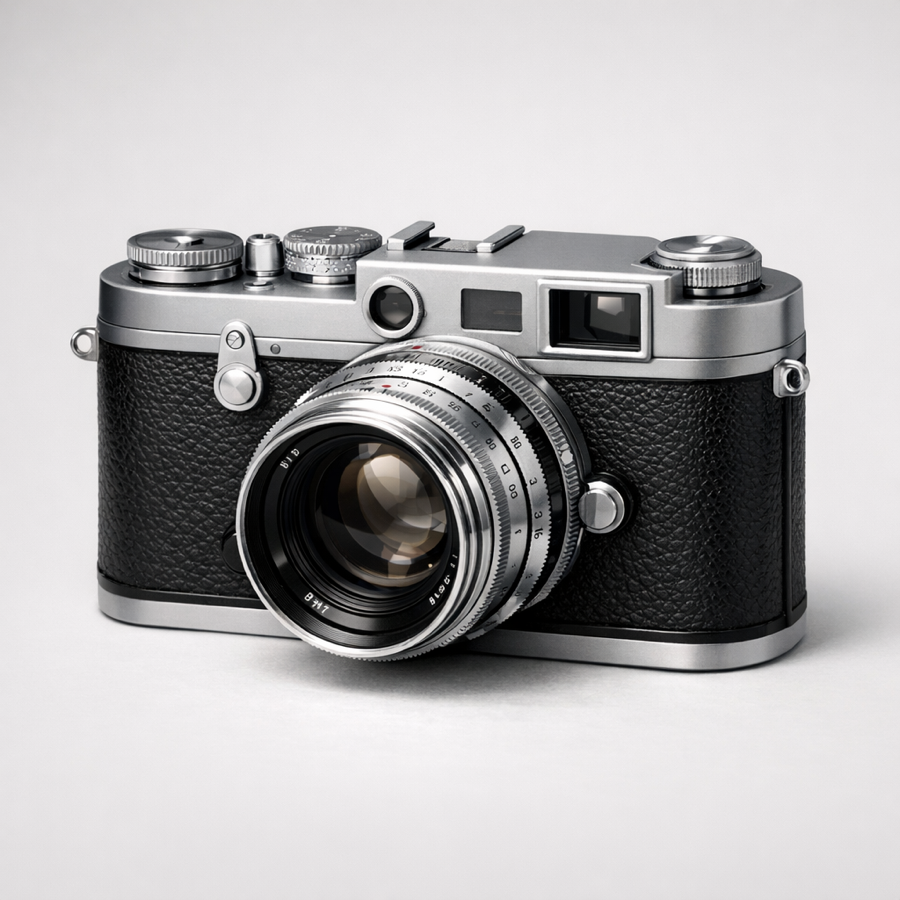
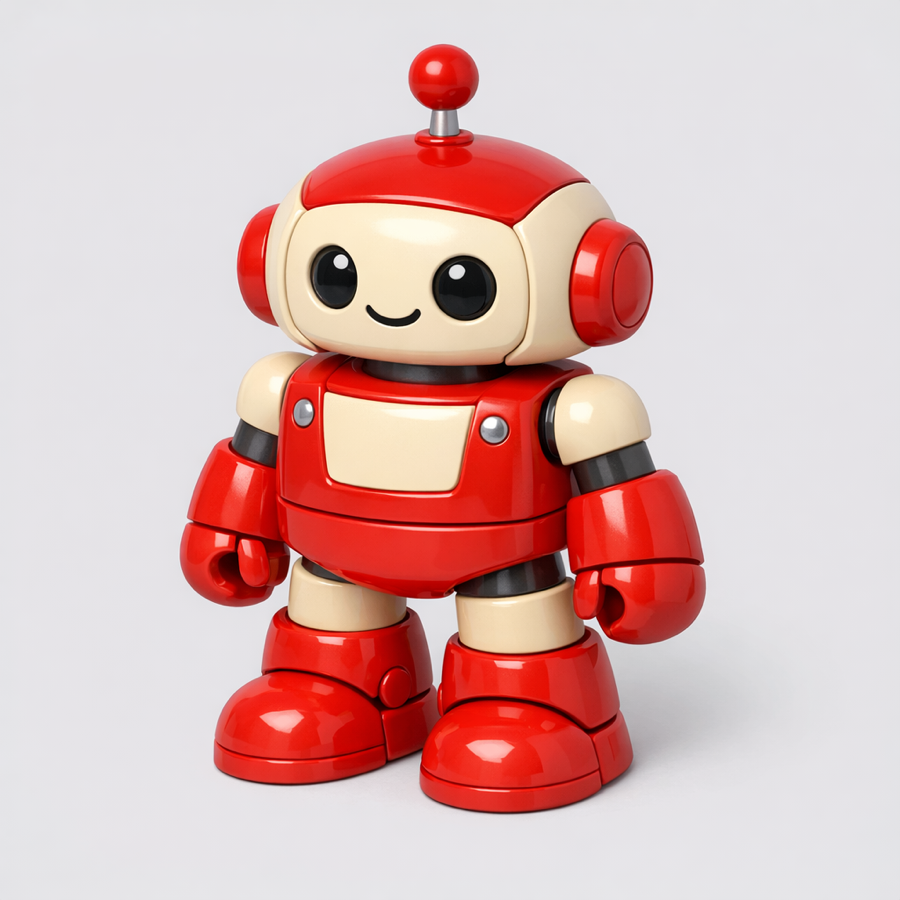
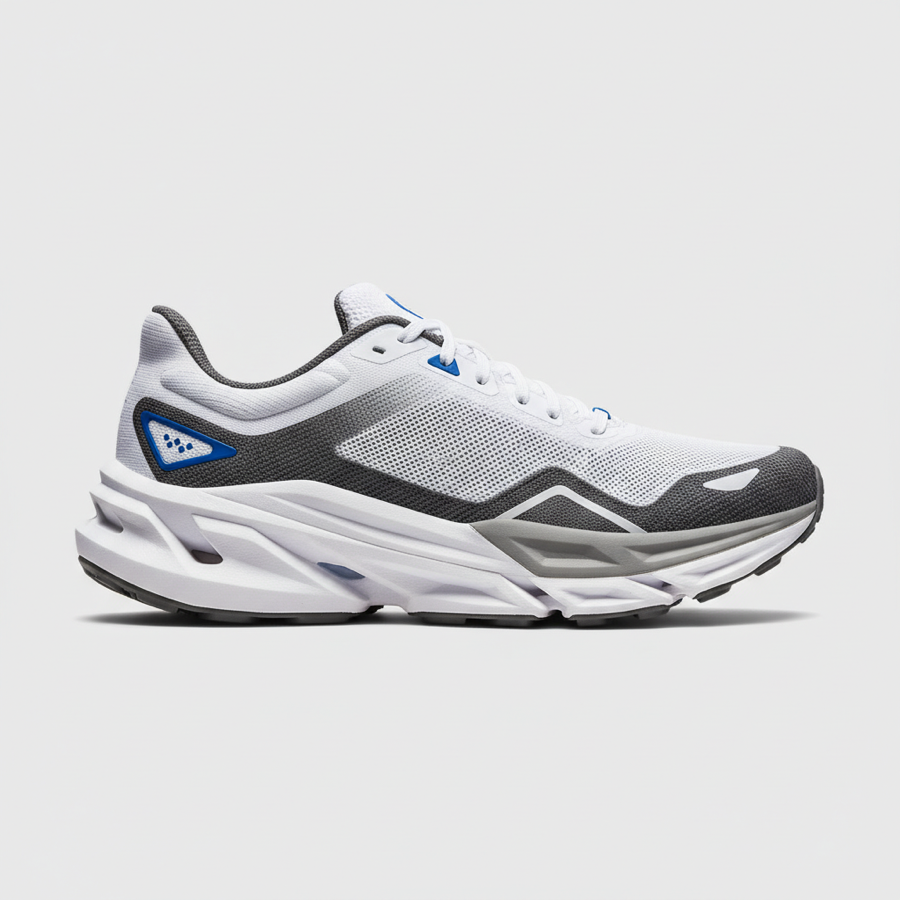
From casual phone snapshots to polished product photography, TimrX image-to-3D handles a wide range of input styles. Below are six examples showing what was uploaded and what the AI produced. Each model was generated in under a minute with no manual editing.
Choosing the right image-to-3D tool matters. Some platforms require desktop installs, others lock core features behind paywalls, and many lack export formats suitable for 3D printing. The table below compares TimrX against three popular alternatives across the features that matter most for creators, developers, and hobbyists working with AI-generated 3D content.
| Feature | TimrX | Kaedim | Luma AI | InstantMesh |
|---|---|---|---|---|
| Browser-based | Yes | Yes | Yes | No |
| Free signup credits | Yes | Limited | Limited | Yes (open source) |
| Single image input | Yes | Yes | Yes | Yes |
| Multi-view | Yes | No | Yes | Yes |
| Texturing | Yes | Yes | Yes | Limited |
| Remeshing | Yes (built-in) | No | No | No |
| Export GLB / STL | Both | GLB only | GLB only | OBJ only |
| 3D print ready | Yes | No | No | Requires post-processing |
TimrX is the only platform in this comparison that connects image-to-3D generation with built-in refinement, remeshing, print checks, My Assets and GLB/STL/OBJ/USDZ/3MF export, making it suited for browser-based creator and print workflows without extra software.
Every new TimrX account gets starter credits to convert images to 3D models. Upload your image, generate the 3D mesh, store the result in My Assets, and export supported formats when ready. Your starter credits cover standard-resolution outputs suitable for prototyping, learning, and personal projects. After that, generation runs on credit-based plans — a paid pack or subscription raises your queue priority and how many jobs you can run at once.
Clear photographs of single objects against simple, uncluttered backgrounds produce the best results. Product photos, character art, and well-lit subjects with visible surface detail give the AI the most information to reconstruct accurate 3D geometry and textures. Avoid images with heavy occlusion where large parts of the object are hidden, as the AI must infer those areas. Illustrations and concept art also work well, especially when the subject has defined edges and consistent lighting direction.
Absolutely. Phone photos work well as input for image-to-3D conversion. Modern smartphone cameras produce more than enough resolution and detail for accurate 3D reconstruction. For optimal results, make sure the subject is in focus, well lit with even lighting, and centered in the frame. Avoid heavy motion blur, extreme wide-angle distortion, or very low-light conditions. Portrait mode photos can also work, though the artificial background blur may slightly affect edge reconstruction.
TimrX supports GLB, STL, OBJ, USDZ and 3MF workflows. GLB retains textures, materials and color information for web 3D viewers and game engines. STL is the standard geometry format for slicers. OBJ is useful for editing pipelines, USDZ supports Apple AR previews, and 3MF is the modern package for print metadata and multi-color workflows.
Accuracy depends on image quality, subject complexity, and how much of the object is visible. Simple, well-defined objects like mugs, shoes, or furniture produce highly accurate meshes that closely match the source geometry. Complex subjects with thin features, transparency, or heavy self-occlusion may require manual refinement after generation. Since the AI infers depth and hidden surfaces from a single 2D image, some geometric approximation is inherent to the process. For critical dimensional accuracy, consider using multi-view input or photogrammetry as a complement.
Yes. Export the model as STL and load it directly into your preferred slicer software. For best print results, use TimrX's built-in remeshing tools to ensure the mesh is watertight, has uniform polygon density, and contains no non-manifold edges before slicing. Most generated models print well on FDM printers at standard settings. For resin printers, the high polygon count of AI-generated meshes is typically an advantage, as it preserves fine surface detail in the cured output.
Yes. You can retexture image-to-3D models using TimrX's AI retexturing tools, which let you apply new materials and color schemes without leaving the browser. Alternatively, export the GLB file and import it into Blender, Substance Painter, or any 3D software that supports PBR (physically based rendering) materials. The UV mapping generated by TimrX provides a solid foundation for manual texture painting or procedural material application.
The generated mesh can be rigged and animated in external tools like Blender, Maya, or Mixamo. Export the model as GLB, import it into your animation software, add an armature or skeleton, and create keyframe or procedural animations. For character models, auto-rigging services such as Mixamo can significantly speed up the workflow by automatically placing bone structures. Mechanical objects can be animated with simple transform keyframes without rigging.
Once your model looks right, order it as a physical print without leaving TimrX. FDM — we print, QC and ship worldwide, with resin by manual quote. First small print free on your first order, free shipping over $79 (€65 / £55). Learn about the print service →
Create images from text prompts in seconds.
Generate videos from text or image prompts.
Generate 3D models from text or images.
Convert text prompts into 3D models.
Upload an image and create a 3D model.
Generate print-ready 3D models with AI.