Frequently Asked Questions
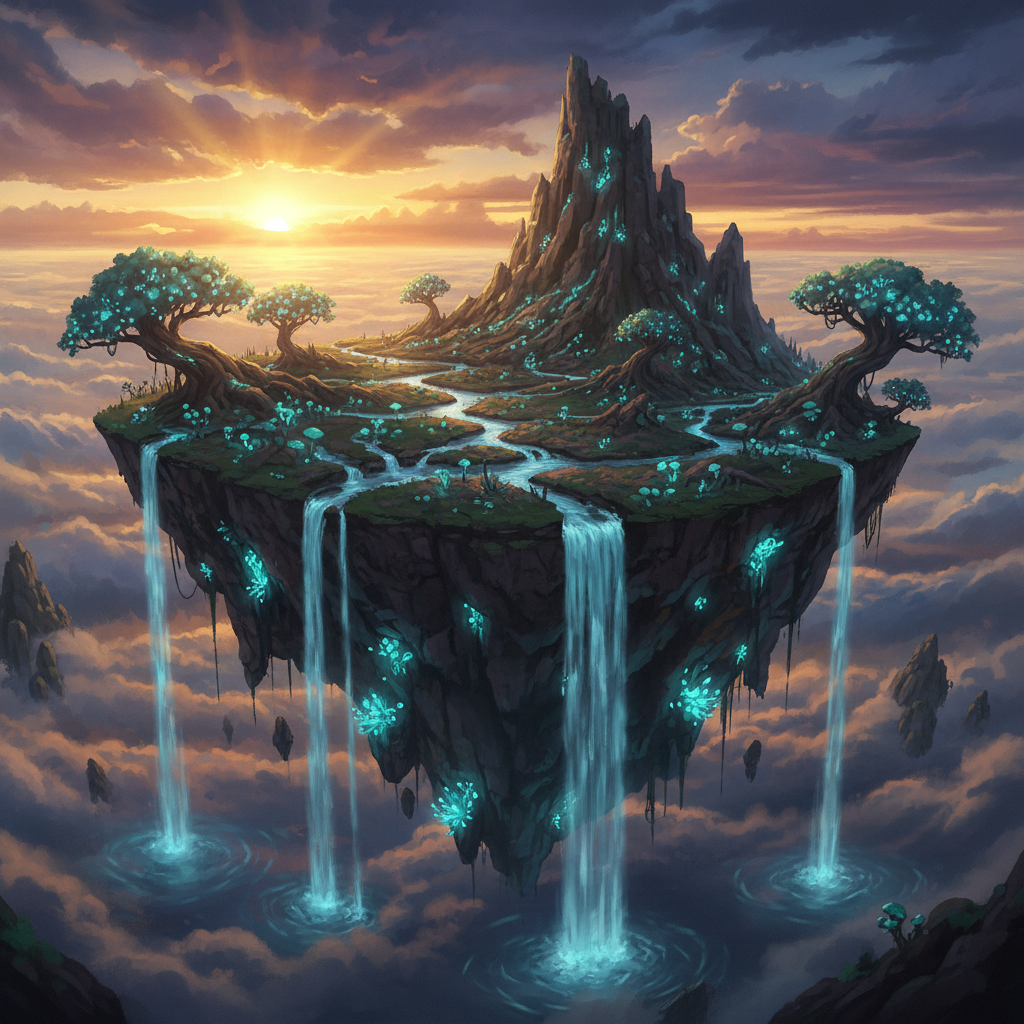
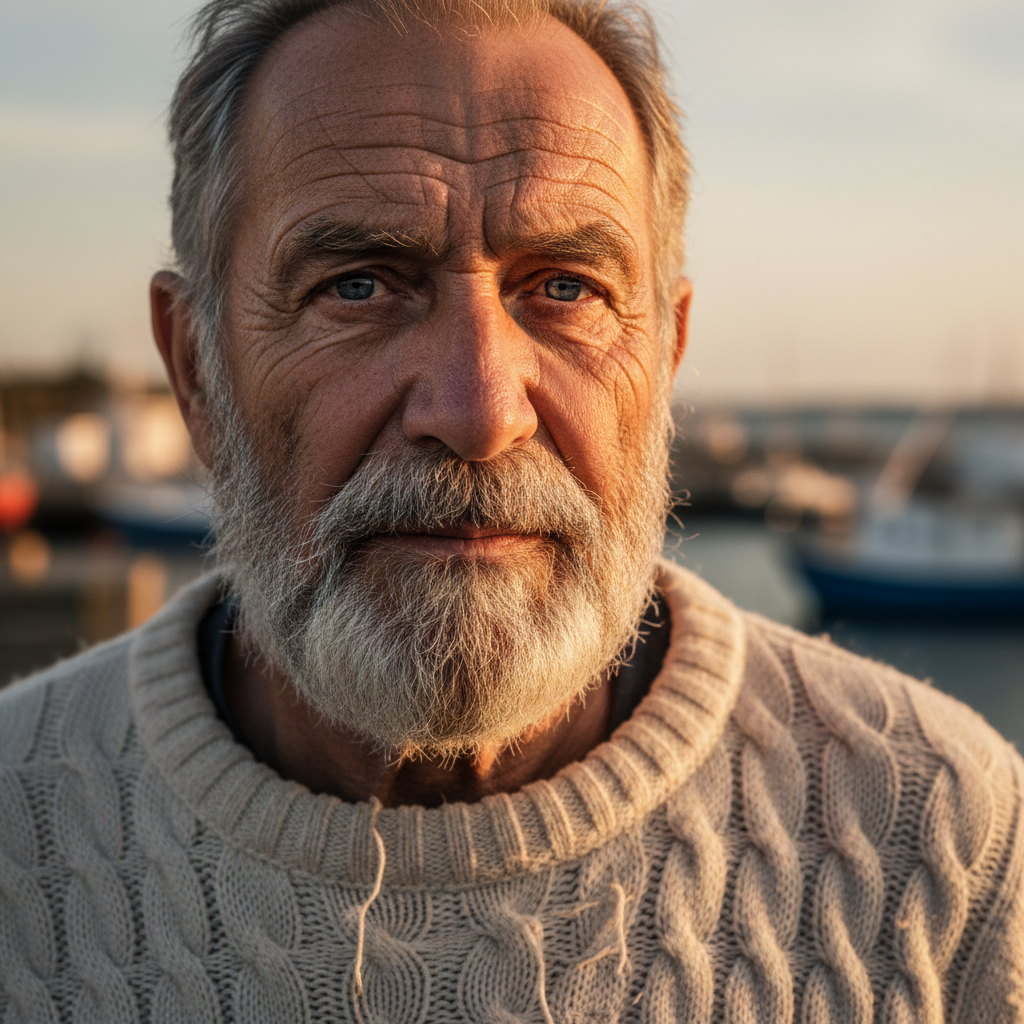
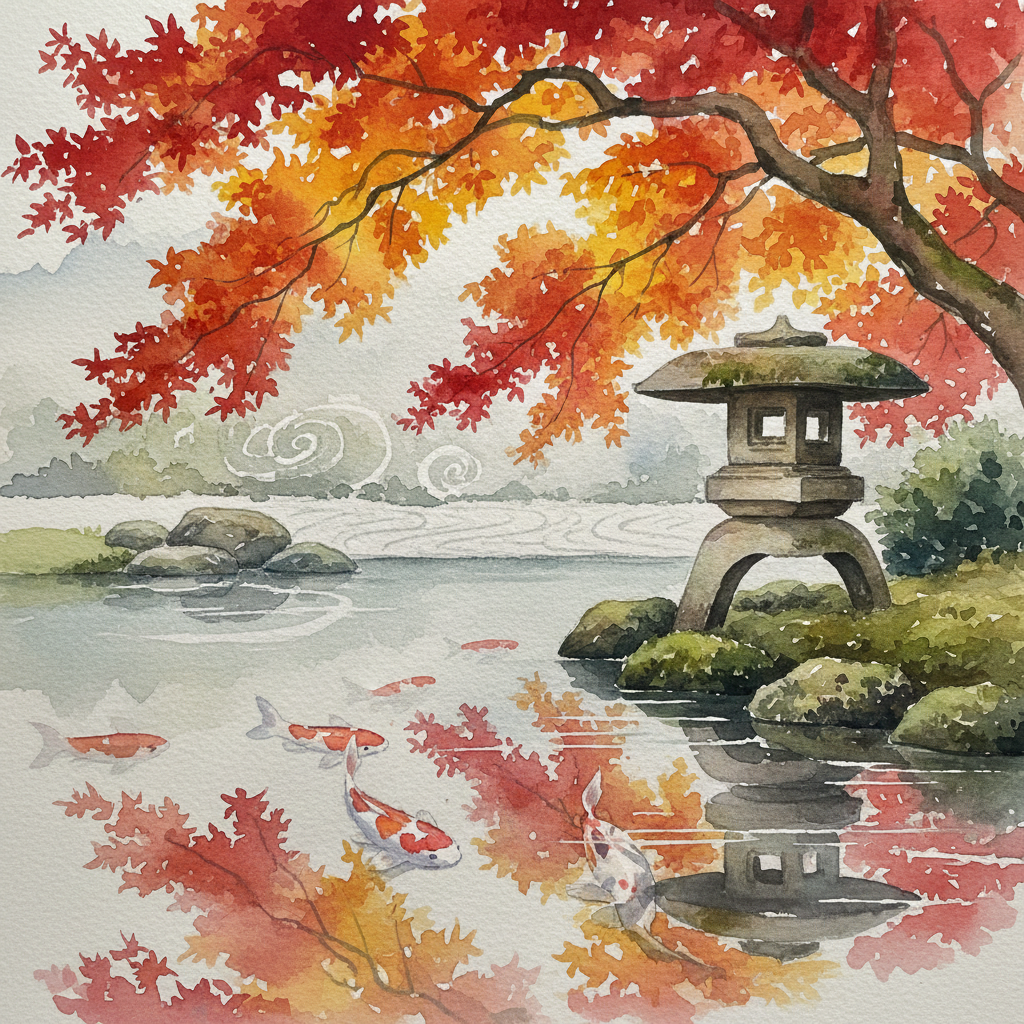
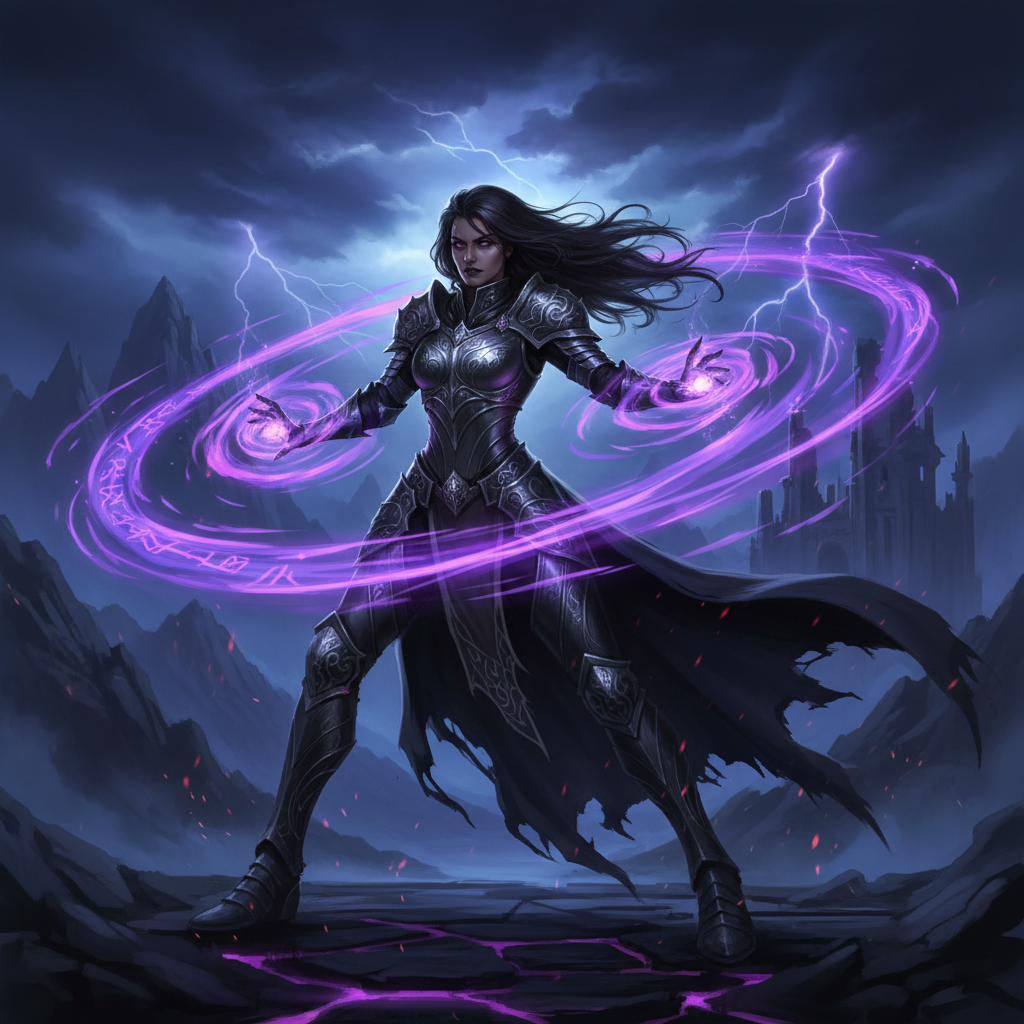
Below you will find answers to the most common questions about the TimrX AI image generator. Whether you are a first-time user exploring AI art or an experienced creator looking for a more integrated platform, these answers should help you understand what TimrX offers and how it fits into your workflow.
Is TimrX AI image generator free?
Yes, every new TimrX account receives 15 free credits on signup — no credit card required. These credits can be used for image generation and any other tool on the platform, and cover standard-resolution outputs and a selection of popular styles. Resolution and model choice are priced in credits and open to every account. What a paid plan adds is more credits, a higher queue priority and more jobs running at once, starting at $9.99/month. Your signup credits let you fully explore the platform before deciding whether to upgrade.
What AI models does TimrX use for image generation?
TimrX integrates several industry-leading AI image models including Stable Diffusion XL, DALL-E, and custom fine-tuned models built specifically for tasks like seamless texture generation and product photography. When you submit a prompt, the platform intelligently selects the best model based on your description and chosen style preset, though advanced users can override this and select a specific model manually. TimrX regularly updates its model library to include the latest advancements in AI image synthesis, ensuring you always have access to state-of-the-art generation quality.
Can I use generated images commercially?
Images generated on any paid TimrX plan include a full commercial-use license, which means you can use them in client deliverables, marketing campaigns, published books, merchandise, and any other commercial application. Generations on free signup credits are licensed for personal and non-commercial use only. TimrX does not claim ownership over the images you generate. We recommend reviewing the current terms of service for full licensing details, especially if you plan to use generated images in regulated industries or mass-produced physical products.
What image resolutions are supported?
The platform supports output resolutions ranging from 512x512 pixels up to 2048x2048 pixels, depending on the AI model selected. Resolution is priced in credits rather than gated by plan: 1024x1024 suits social media, web content and concept exploration, and higher resolutions — plus AI upscaling past 4096 pixels on the longest edge for large-format print — are available on any account for more credits. That covers everything from Instagram posts to print materials.
How is TimrX different from Midjourney?
The most immediate difference is accessibility: TimrX is entirely browser-based and does not require Discord, a desktop application, or any third-party service to operate. You open your browser, type a prompt, and generate images. Beyond that, TimrX offers a uniquely integrated creative pipeline. After generating an image, you can convert it into a 3D model using the Image-to-3D tool, animate it with the AI video generator, or prepare it for 3D printing — all without leaving the platform. Midjourney focuses exclusively on image generation, so users who need a multi-step creative workflow must piece together separate tools on their own.
Can I generate images from reference photos?
Yes, TimrX fully supports image-to-image generation workflows. You can upload a reference photograph, sketch, or any existing visual and pair it with a text prompt that describes how you want the AI to transform it. This is especially useful for style transfer, turning rough hand-drawn sketches into polished digital illustrations, or adapting an existing product photo into a different setting or aesthetic. A strength slider lets you control how closely the output adheres to the original reference versus the text prompt, giving you fine-grained creative control over the final result.
How do I improve my AI image prompts?
Writing effective AI image prompts is part skill and part experimentation. The best prompts are specific about the subject, composition, lighting, color palette, and artistic style. For example, rather than writing "a dog," you might write "a golden retriever puppy sitting in a sunlit meadow, shallow depth of field, warm tones, professional pet photography." Including references to specific art movements, camera lenses, or well-known visual styles gives the AI more context to work with. TimrX also includes a built-in prompt enhancement feature that automatically expands short prompts with additional descriptive detail, helping beginners achieve high-quality results immediately.
Can I convert generated images to 3D models?
This is one of TimrX's most powerful features. After generating any image, you can send it directly to the Image-to-3D pipeline with a single click. The system analyzes the image, infers depth and geometry, and reconstructs a fully textured 3D model that you can view, rotate, and export in standard formats like GLB, OBJ, and STL. This workflow is invaluable for game developers who need to rapidly prototype 3D assets, product designers creating physical prototypes, and hobbyists who want to 3D-print their AI-generated artwork. No other major AI image generator offers this level of pipeline integration out of the box.